Tap a cover. The story starts.
Your own music and audiobooks on big covers. Offline, and without ads.

Free to try on iPhone and iPad.
A player, not your phone
Handing over your phone
- Every other app is one swipe away
- Ads and purchases are a tap away
- Your own playlists end up shuffled
Handing over Kids Audio
- Only the music and stories you added
- No ads, no account, no tracking
- Settings behind your PIN, Face ID or a math problem
1. Add your music and stories
Drop folders into a browser on your Wi-Fi, or import them from Files.
Folders become artists and albums. Covers come from the files.
- MP3
- M4A
- AAC
- WAV
- FLAC
- AIFF
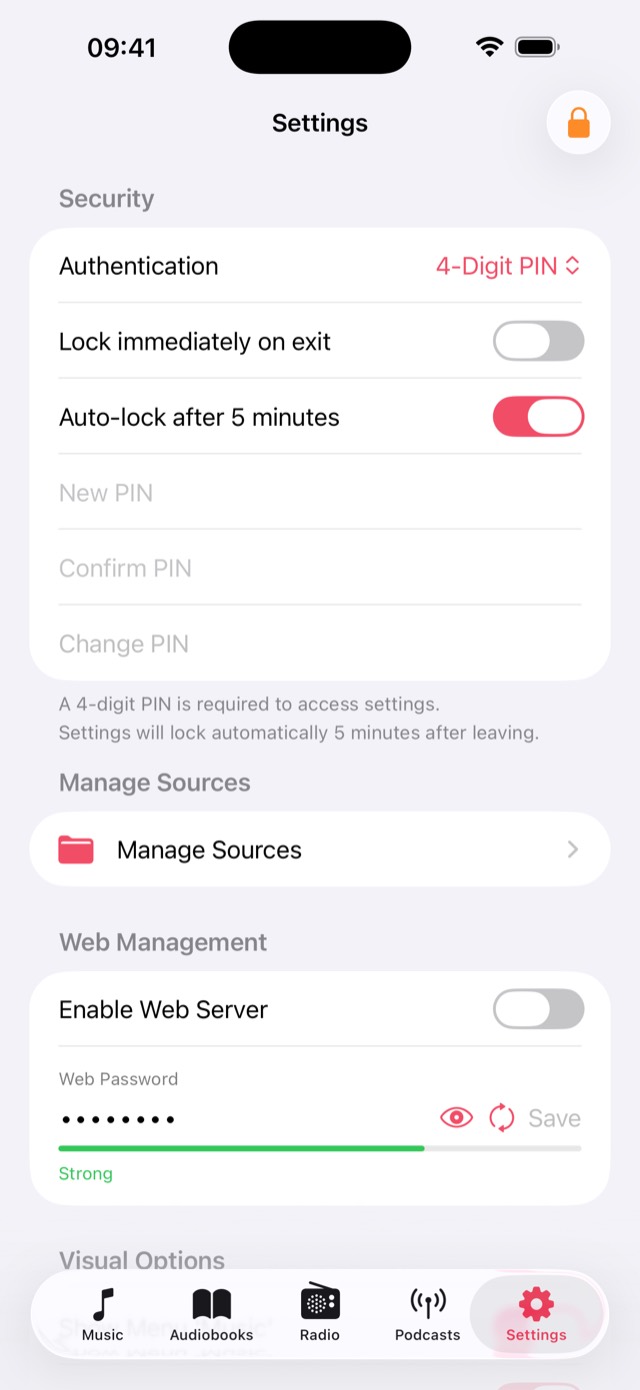
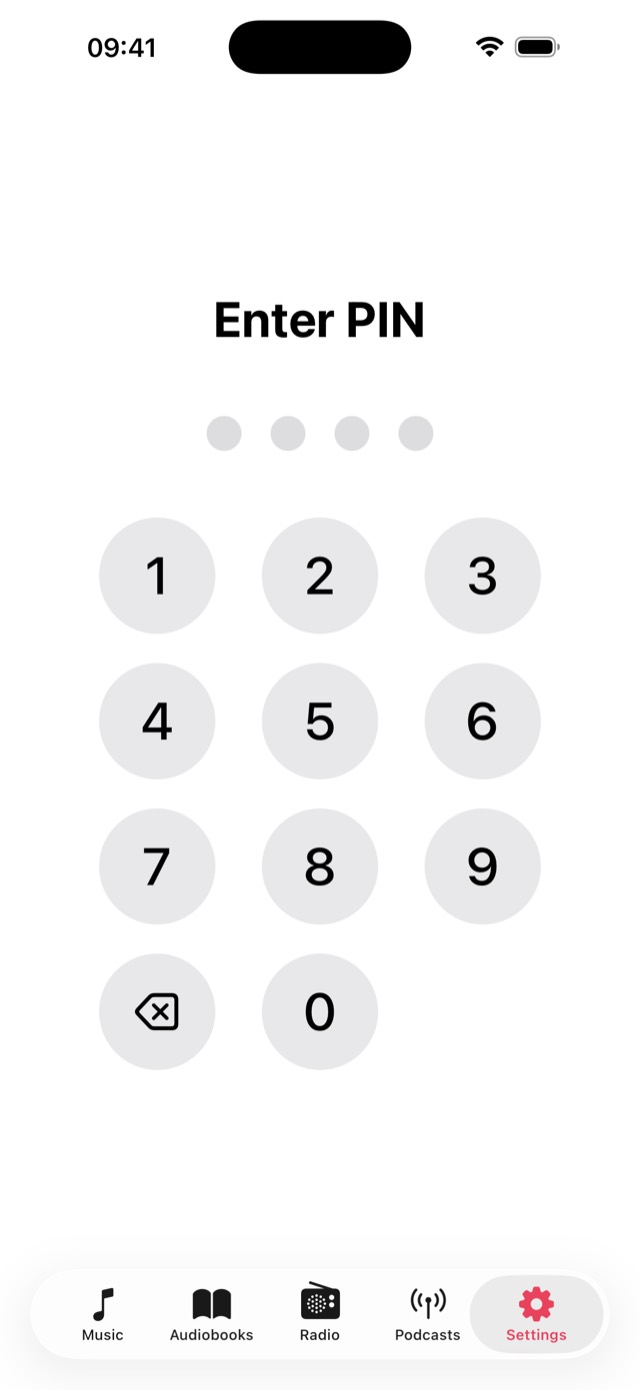
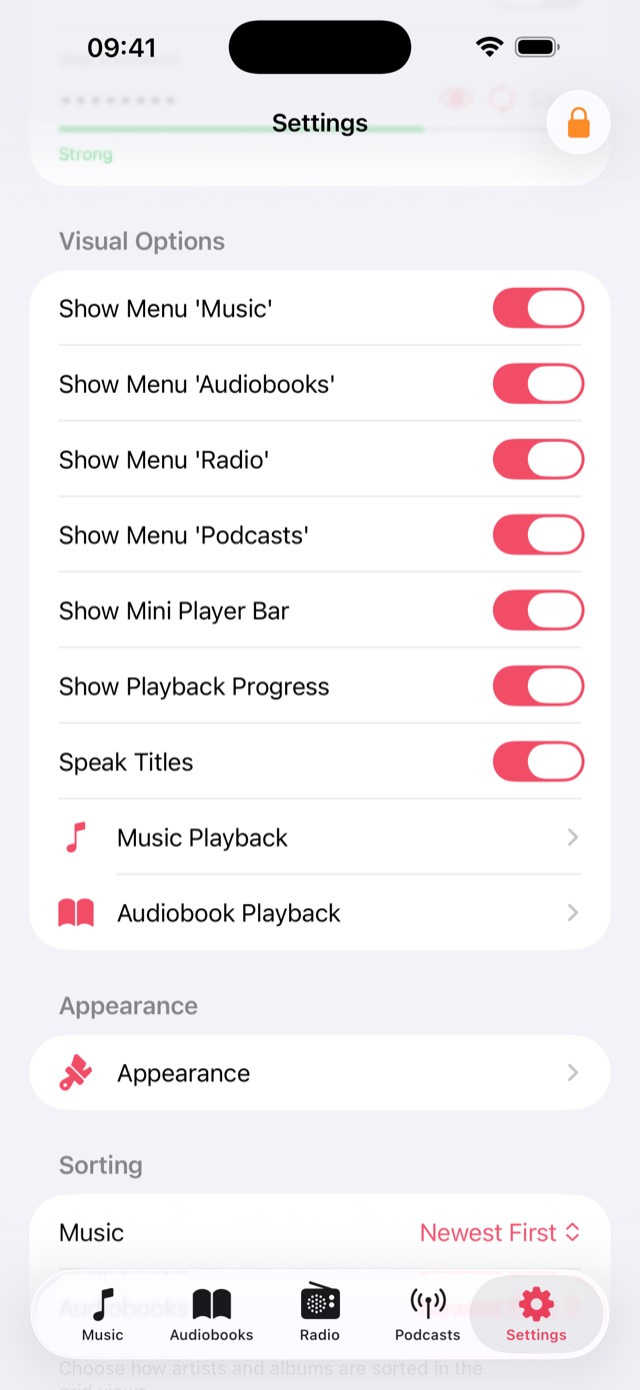
2. Lock the grown-up parts
Settings open only with your PIN, Face ID or a math problem.
- Show or hide Music, Audiobooks, Radio and Podcasts
- Choose the player buttons for each section
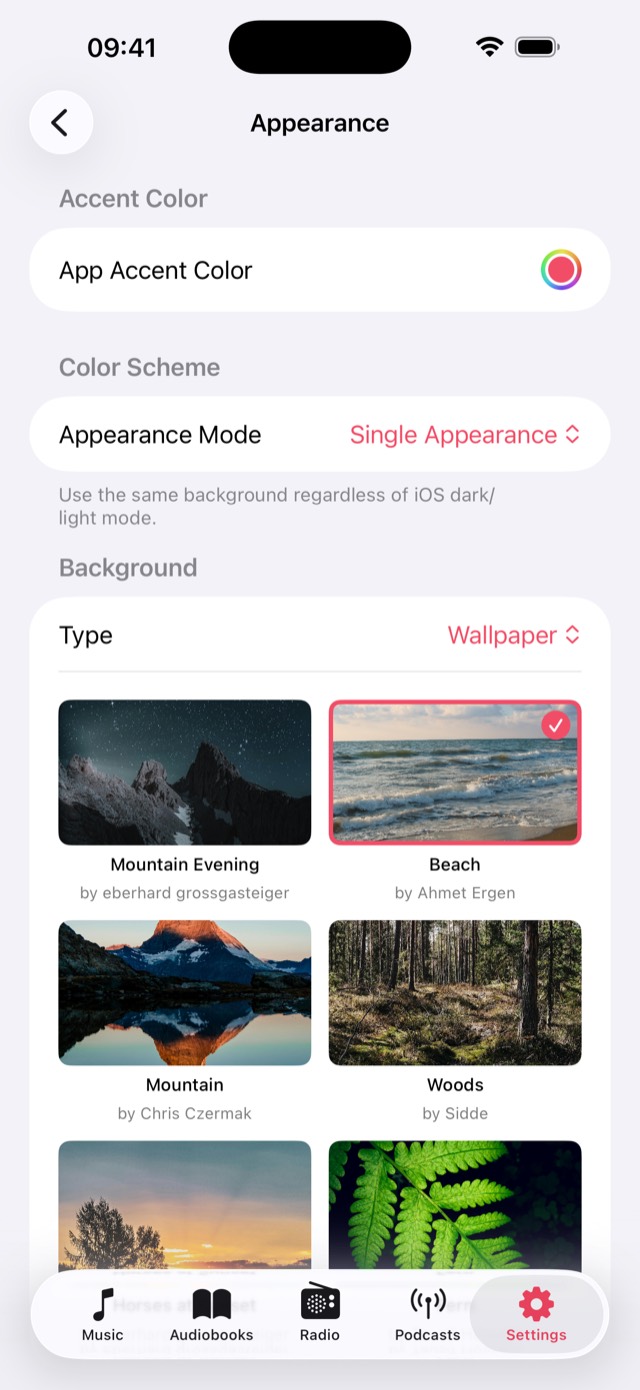
- Pick an accent color, a wallpaper or a moving gradient
3. Hand it over
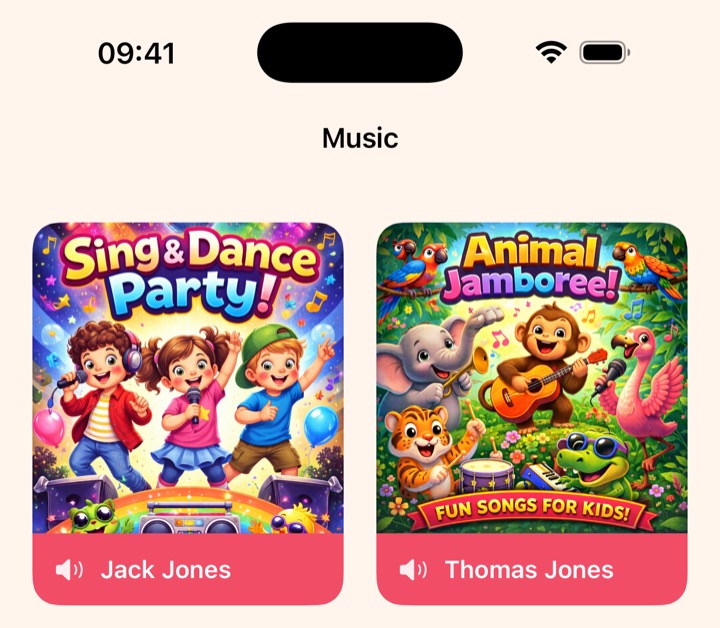
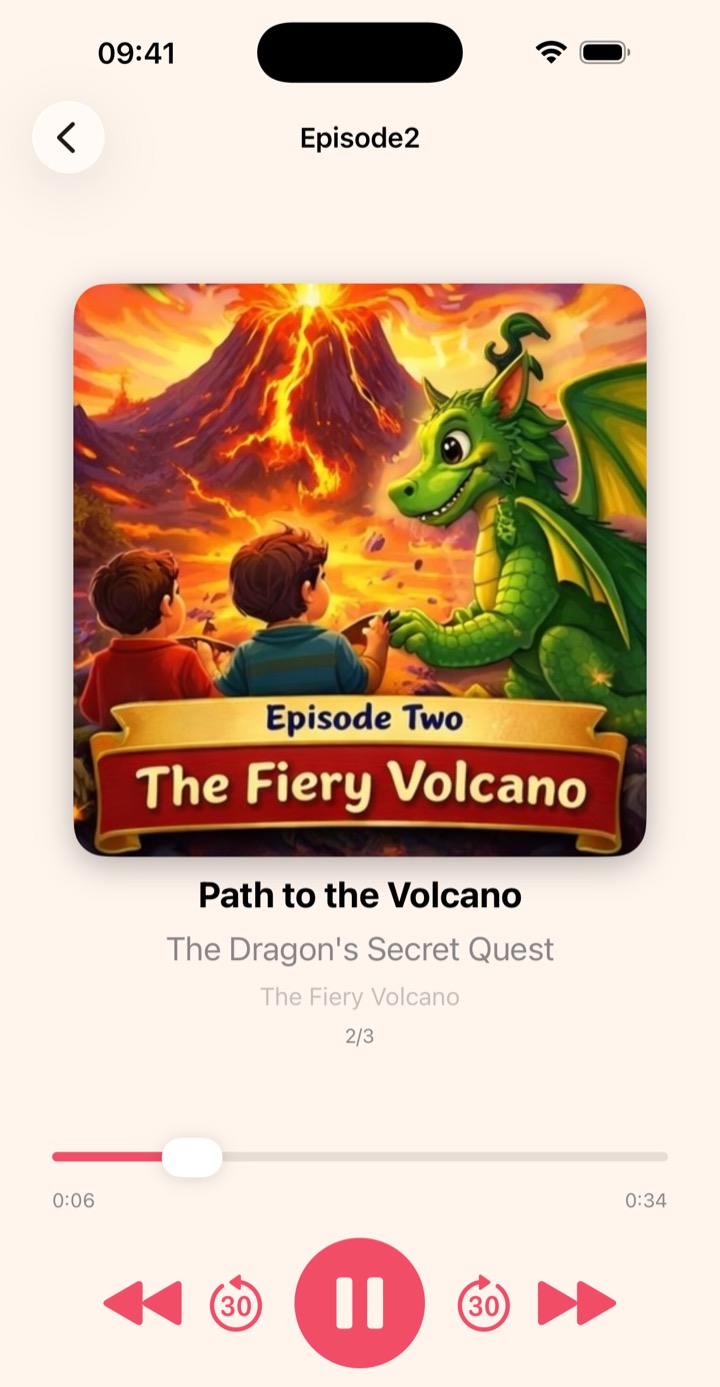
Big covers to tap, names read aloud, and stories that resume where they stopped.
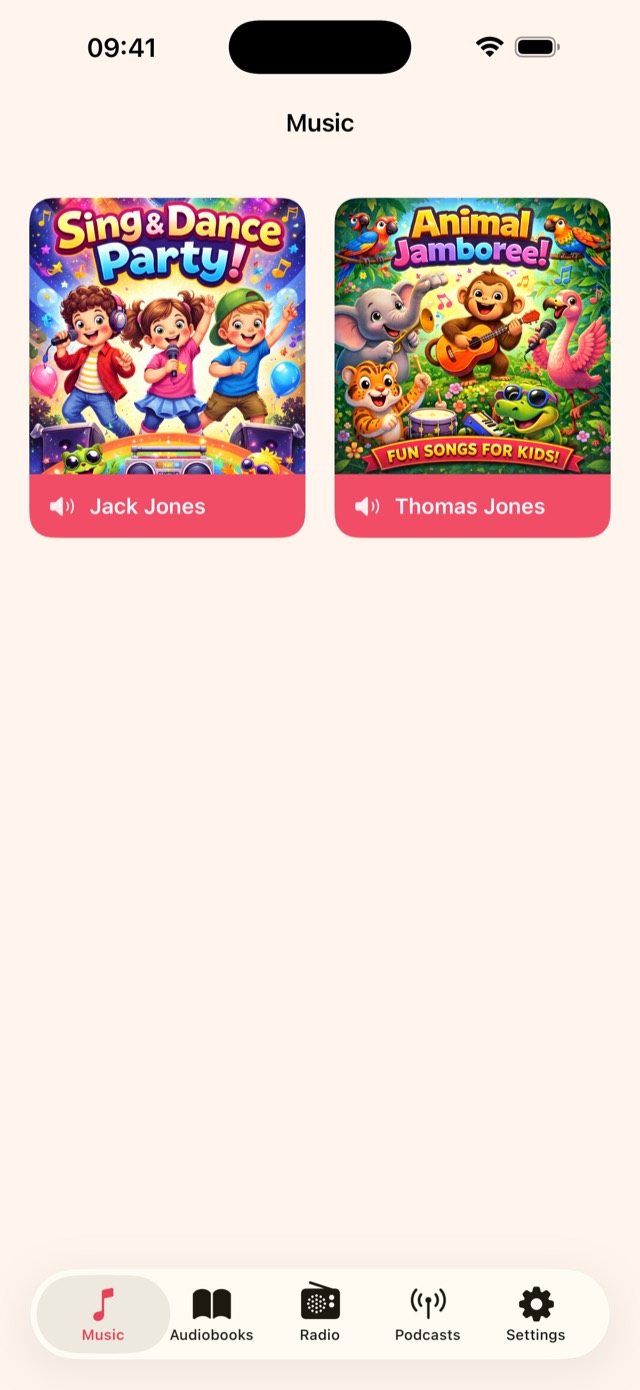
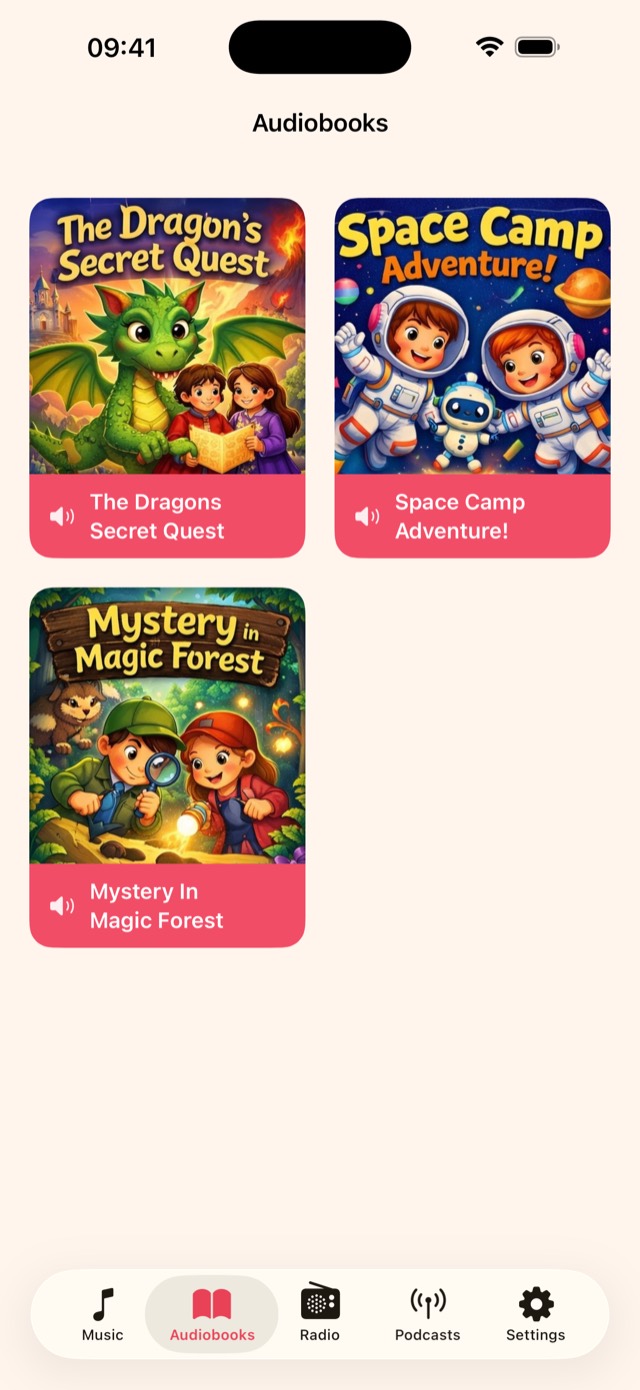
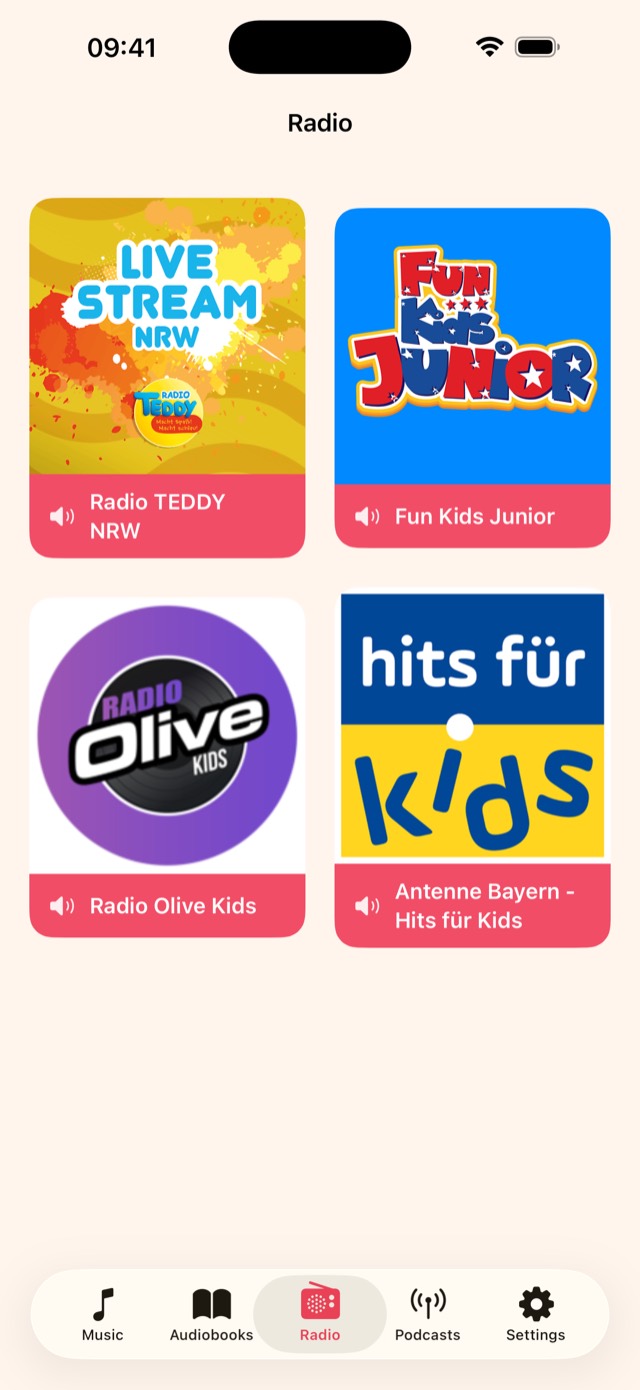
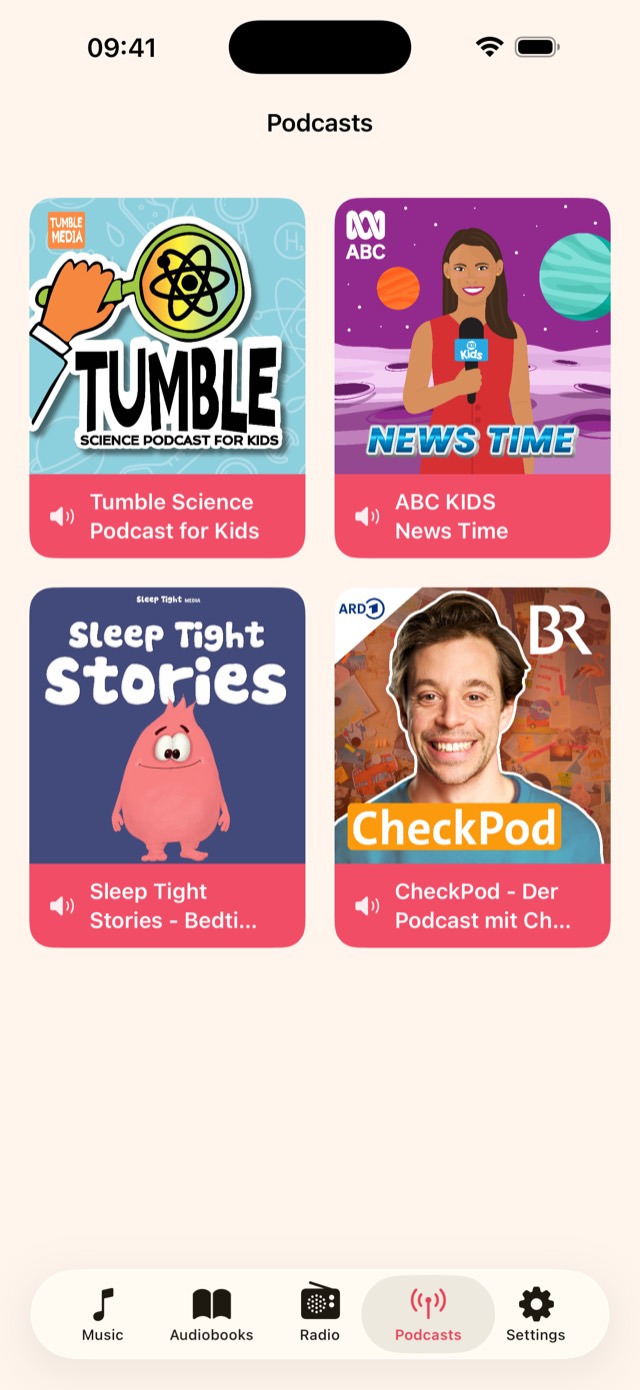
Runs on iPhone, iPad and CarPlay
- iPhone and iPad
- iOS or iPadOS 18.6 or later
- In the car
- Plays through CarPlay
- Internet
- Only for radio and podcasts
- Price
- Free for 30 music and 30 audiobook tracks. The full version is one purchase, no subscription.
- Languages
- English, Deutsch, Français, Italiano, Español, Português, 日本語, 한국어, 简体中文
Questions parents ask
Where does the music come from?
From you. Kids Audio plays audio files you have, for example songs from your CDs or DRM-free downloads. Music from streaming services can’t be added.
How do the files get onto the iPad?
Turn on the web server in Settings, open the address it shows on a computer in the same Wi-Fi and drag your folders in. You can also import from the Files app on the device.
What does the full version cost?
The download is free and holds 30 music tracks and 30 audiobook tracks. The full version removes the limit as a one-time in-app purchase. The App Store shows the price for your country.
Can my child buy something by accident?
Not while Settings are locked. The purchase sits in Settings, which then open only with your PIN, Face ID or a math problem. The app shows no ads.
Can I keep my child inside the app?
Yes, with Guided Access, a feature of iOS. Turn it on in the Settings app under Accessibility, then triple-click the side button while Kids Audio is open.
Does it remember where a story stopped?
Yes. Each album and audiobook resumes at the exact spot. You can see and reset the progress in Settings.
Which radio stations and podcasts can my child hear?
Only the ones you add. Enter a station’s stream address and a picture, or search and subscribe to podcasts in Settings.
Does the full version work on all our devices?
Yes, on every iPhone and iPad signed in with the same Apple Account. Open Settings in Kids Audio and tap Restore Purchases.
What data does Kids Audio collect?
None. There is no account, no tracking and no analytics, and settings and progress stay on the device. The details are in the privacy policy.
Set it up tonight
Hand it over in the morning. Kids Audio is free to download.